 Passboards.
Features
Everything Passboards does.
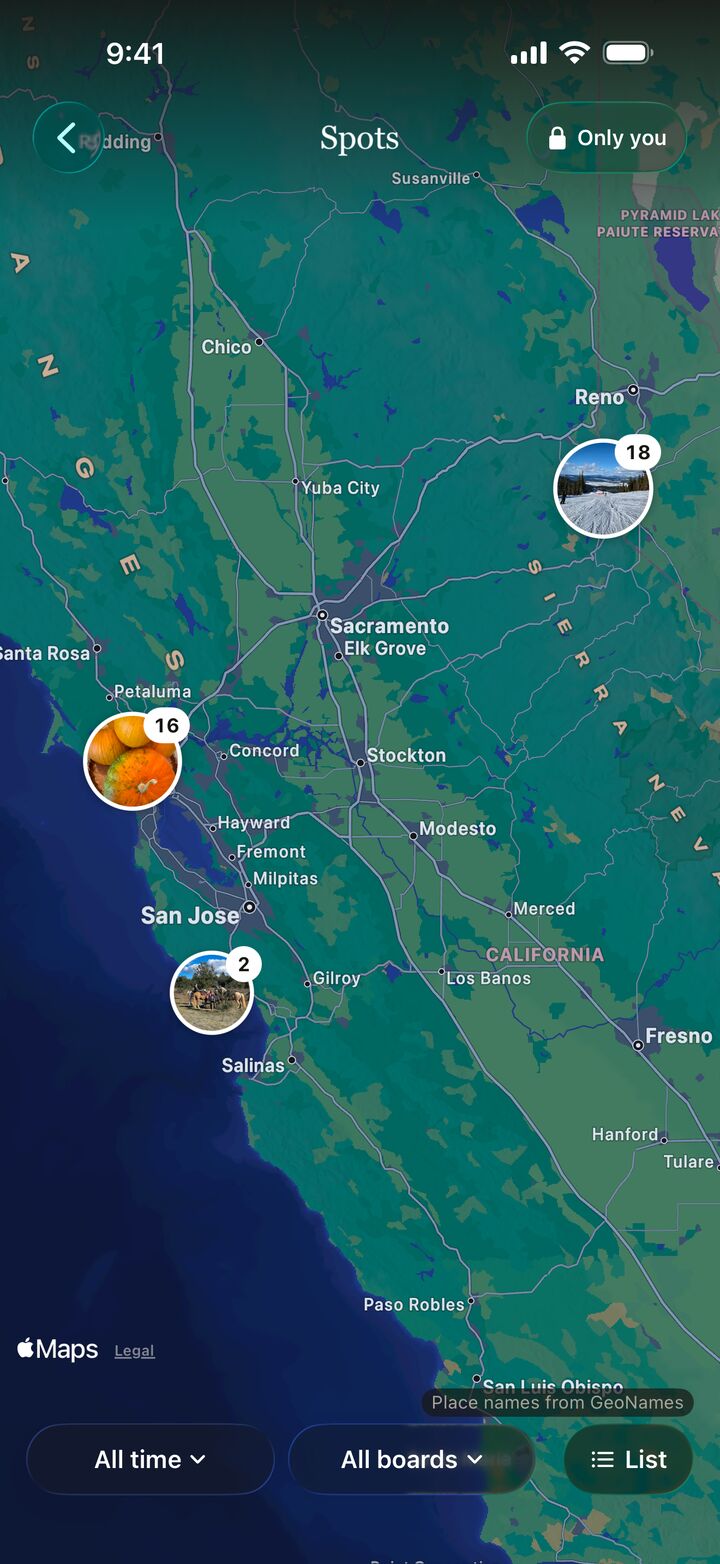
Boards for the moments and clubs for the people you keep seeing, and Spots, a private map of where your photos were taken. Free on iPhone and Android, and on the web, with no ads today.
Featured: new in 2.0.19 and Android 1.0.8
Where your photos were taken.
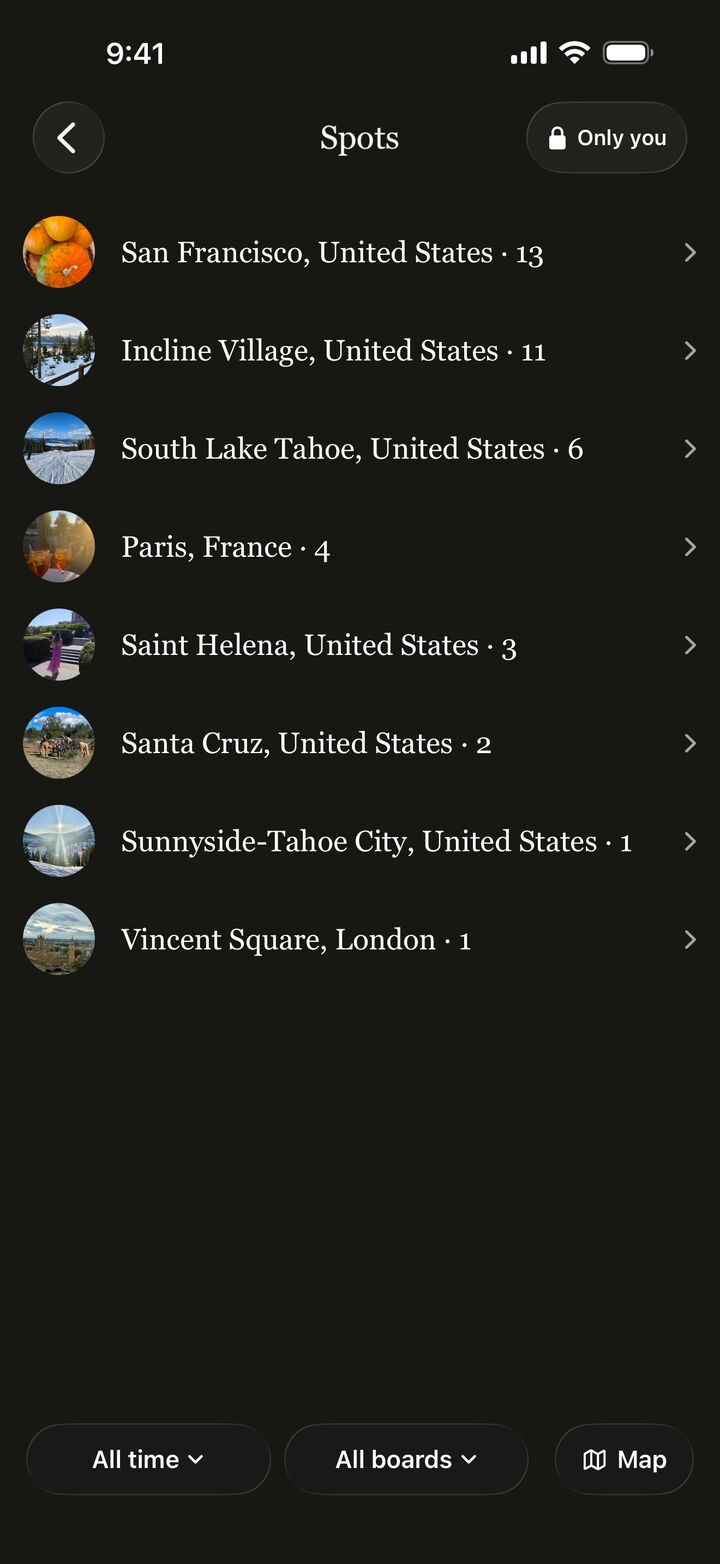
Spots puts the photos you post on a map that only you can see. Turn it on from your profile with one tap. Your posts still show no location unless you add a place, and you can hide a spot, or turn Spots off and delete every saved location, any time in Settings › Privacy.
Only you can see your Spots.
In the iPhone app from Passboards 2.0.19 and the Android app from 1.0.8, and on the web at passboards.com/app.
Only you
Nobody else sees your map. Not friends, not club members, not anyone.
Tap a spot
See every photo you took there, with the board it came from.
Yours to delete
Hide a place, remove a photo, or delete it all in one tap.
Boards
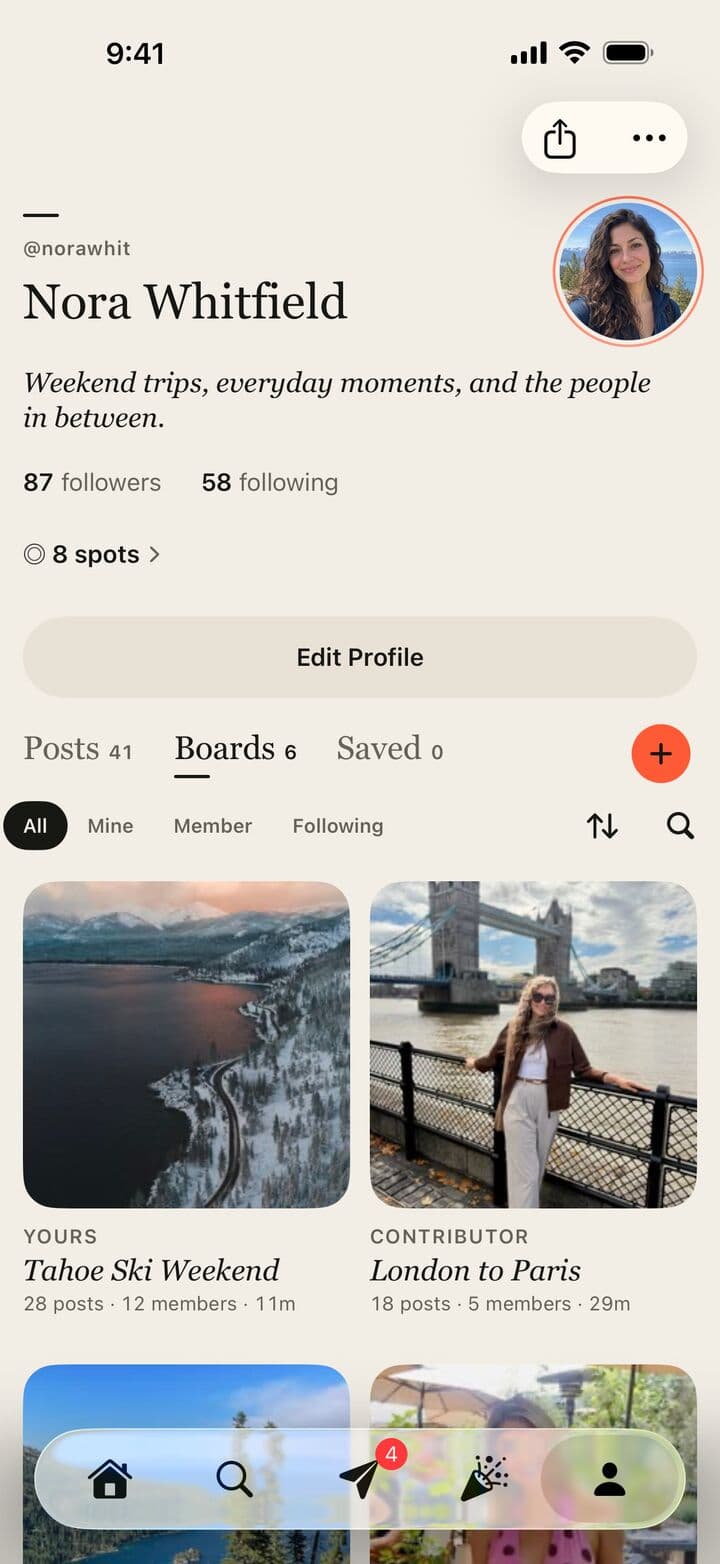
One board for everyone’s photos.
A board holds a trip, a night, a season or a crew, and everyone who was there adds to it.
Shared boards
Everyone adds their own photos and videos, so the story has every angle, not one camera roll.
Templates
Start from Trip, Concert, Backpacking, Cooking, Skiing, Friends, Season or Wedding, and change anything.
Invite links and QR codes
One link or a printable QR code brings everyone in, even before they have an account.
Roles
Choose who can view, who can add posts and who helps manage the board.
Link previews
A shared invite opens a preview of the board first, so people know what they’re joining.
Covers and colors
Pick a favorite photo as the cover and the board takes on its colors.
Dates and last call
Give a board its dates and everyone gets a heads-up when it starts and a last call for photos after.
Arrange posts
Put a board’s posts in the order that tells the story best.
Follow public boards
Follow a public board without following the person who made it.
Room for all of it
Up to 100 members and 2,500 posts on a board. Each photo or video is one post.
Archive
Hide a post or board from everyone but you, and bring it back any time.
Posting
Post the whole moment.
Photos, videos, words and songs, posted as it happens or after everyone gets home.
Up to 15 at a time
Pick photos and videos together and post them in one go, with uploads that keep going in the background.
Videos
Up to 3 minutes each, with a scrubber and sound when you watch full screen.
The in-app camera
Take a photo or video right when you post, without leaving the app.
Looks and editing
Ten Passboards looks and fine adjustments, and your original is never touched.
Notes and essays
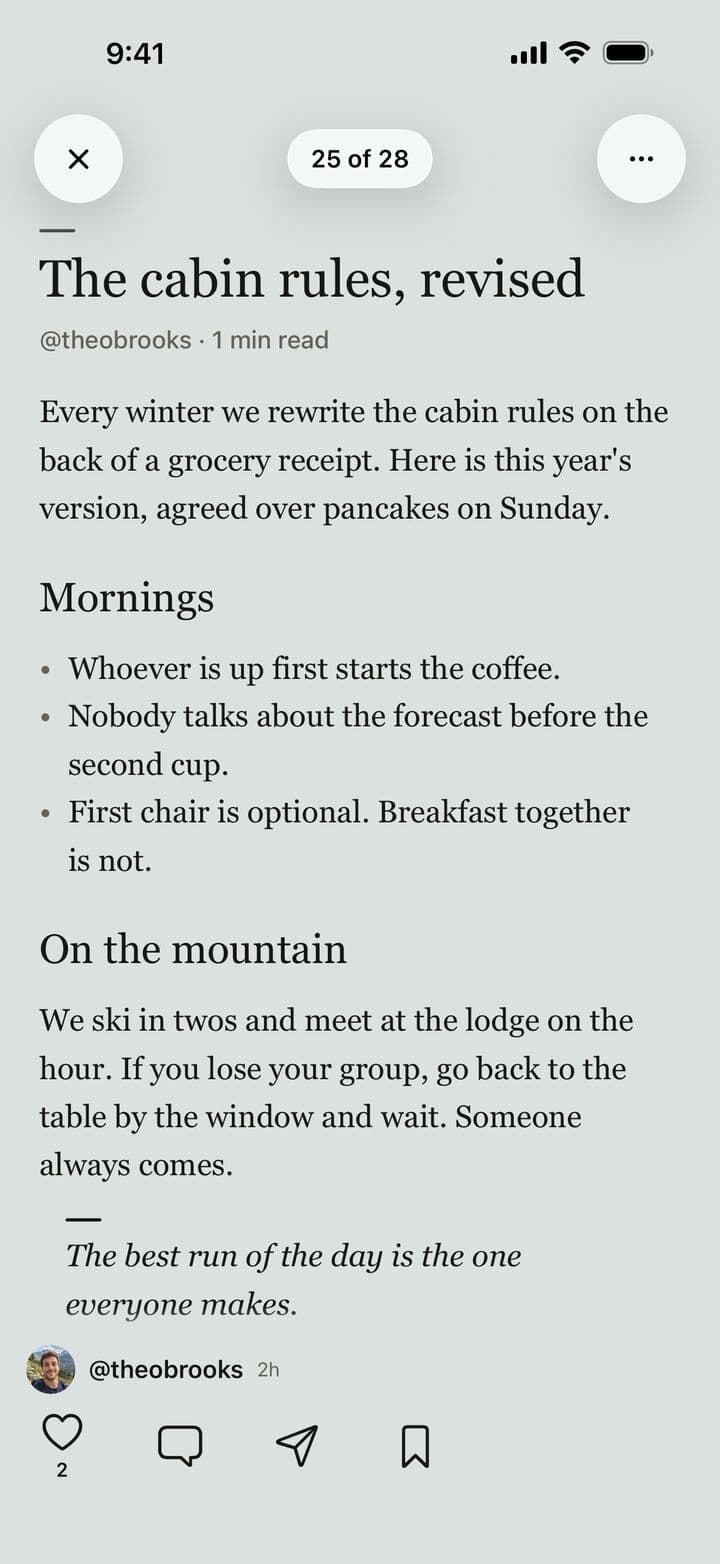
Write a quick note or a long piece with headings, quotes and lists, up to about 3,500 words.
Music posts
Share a song, album or playlist from Apple Music or Spotify, with a 30-second preview.
Places
Add a place from suggestions as you type. It’s the only location anyone else sees on your post.
Suggestions above the keyboard
Place suggestions stay in view right above the keyboard while you type.
Tag people
Tag everyone who was there, and see their faces on your photo before you post.
Share with your clubs
Share a post with up to three of your clubs, and only their members see the tag.
Share from your photos
Send photos to a board straight from the share sheet on iPhone or Android.
Together
Easy to come back to.
Catch up on what your people added, and relive it edge to edge.
Home, newest first
What your people and your boards added, in the order it happened.
Collections
Posts from the same moment arrive together, and Like all likes them in one tap.
Full screen
Open any photo or video edge to edge and swipe through the whole board.
Comments and likes
Talk about a post right under it, and see who liked a comment.
Explore
Find people, boards and public clubs worth following.
Find friends
Match your contacts, hashed on your phone first, so names and numbers never leave it.
Clubs
A home for the group you keep seeing.
Free to start, with up to 100 members, for teams, crews, floors and friend groups.
Club chat
Up to 10 photos in a message, replies, reactions and polls, all in the club.
Events and RSVPs
Going, Maybe or Can’t go, with spots, a waitlist, guests and a cohost.
Find a time
Everyone votes on times, and the one the host picks becomes the event.
Repeating events
Every week, every 2 weeks or every month, and Subscribe to Calendar keeps them in your calendar.
Guests without the app
People 18 and over can RSVP and add photos from a link or QR code in the browser.
A board for every gathering
Each event gets a board, with a nudge to add photos and a recap in the chat after.
Announcements
Tell every member at once when something matters.
Club roll, goals and recaps
A weekly best photo, a goal to reach together, and a look back at the month, season or year.
Marks and addresses
A mark of its own and an address like passboards.com/c/ridge-riders.
Messages
Talk it over.
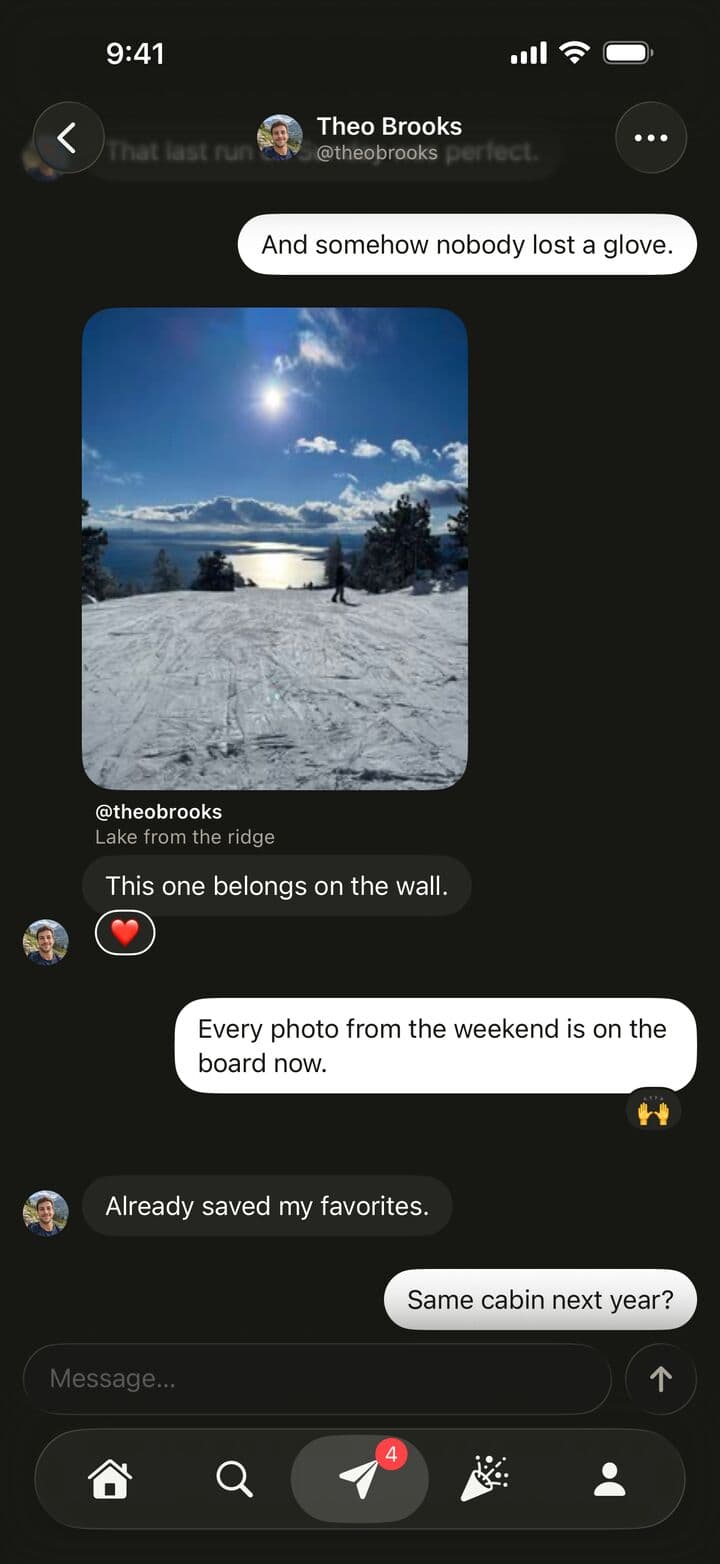
One-to-one chats and club chats, side by side in Messages.
One-to-one chats
Message the people you follow who follow you back.
Requests
A message from someone you don’t follow waits until you accept or decline it.
Replies and photos
Reply to a message and send up to 10 photos at once, like club chats.
Opens right away
Messages and Clubs show what you saw last time and update quietly.
Reactions and read receipts
React with a press and hold, and turn read receipts off if you like.
Send anything
Send a post, board or profile straight into a chat.
Keep it
Your memories, yours to take.
Save what matters at full quality, and take a whole board with you.
Full-quality saves with progress
Save a post’s full-quality photo or video and watch it come down, with Cancel.
Save or export a board
Save every photo to your library, or export a file with every caption, date and name. Free for everyone who can see the board.
Recaps
Turn a board into a short video of its best moments, set to original house music.
Story cards
Share a post to your Instagram Story as a card that looks like Passboards.
Widgets
Highlights and Board or club widgets bring sharp, full-bleed photos to your Home Screen, on iPhone and Android.
Privacy and control
Your people, not an audience.
You decide who sees what, and the rules describe what the app actually does.
Public or private
Every board and club is public or private, and profiles can be private too.
No location on your files
Location and device details are removed from every photo and video before it uploads.
Block and report
Block or report a person, post, comment, board or club, right where you see it.
Notifications your way
Choose what you hear about, set quiet hours and mute a single board.
No ads today
No advertising identifiers, no ad trackers, and we don’t sell your information.
Usage analytics you can turn off
They go only to our own servers, never your posts, messages or contacts.
Delete any time
Deleting your account in the app is immediate and permanent. More
Everywhere
iPhone, Android and the web.
The same words and the same places in every app, so help for one is help for all.
iPhone
Free on the App Store, for iOS 26 or later.
Android
Free on Google Play in the United States, for Android 10 or later.
The web
Sign in at passboards.com/app for your feed, boards, clubs and messages, and to post photos, notes and music. More
Step-by-step help for every feature is in the Help Center, and what changed in each version is on iOS releases and Android releases.