01
Create the place
Name a board for the trip, celebration, game, project, or ordinary day you want to remember.
 Passboards.
How it works
See how Passboards brings a shared experience together, then find the boards and clubs that fit the people and moments in your life.
Watch
Make a board, invite your people, and watch everyone’s photos arrive. Tap one to play.
Start a board
01
Name a board for the trip, celebration, game, project, or ordinary day you want to remember.
02
Invite the people who were there so the collection reflects more than one camera roll.
03
Add up to 15 photos or videos per post, with a title, caption, place, and the friends who were there, while it is happening or after everyone gets home. The built-in photo editor is non-destructive, so you can always go back.
Post without performing
A Passboards board is not a polished profile or a highlight reel. Share as much as you want, whenever you want, so the people who matter can see the experience as it really happened.
01
The funny, quiet, blurry, spontaneous, and in-between moments often make a shared memory feel real. They belong beside the obvious highlights.
02
Add one post today or hundreds across an entire trip. Post at your own rhythm instead of editing your life down for a feed.
03
More perspectives make the story more complete. Invite the group to share what only they noticed, captured, or remembered.
Inside the app
Real product views show how a board moves from an invitation to a collection, and how a recurring group can keep making new memories together.
One experience
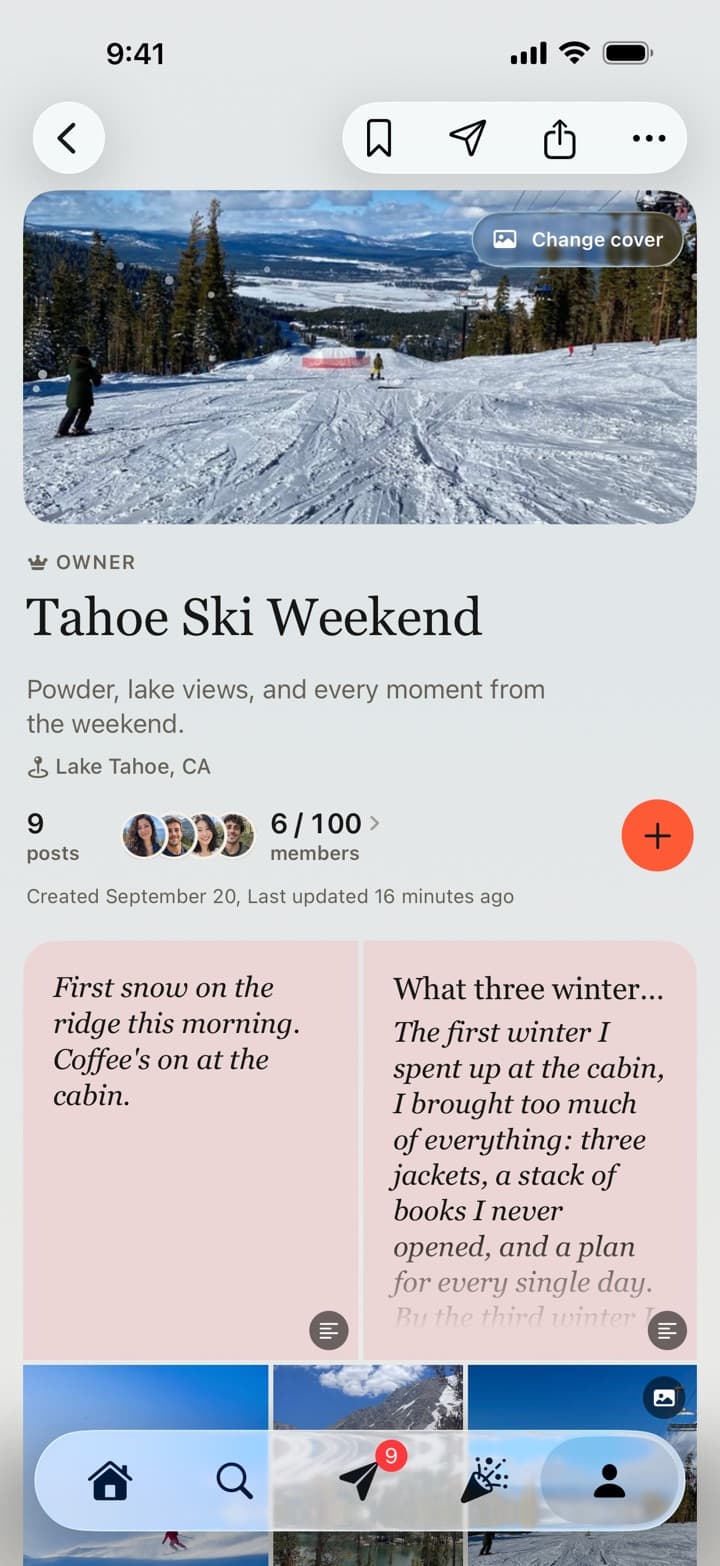
Photos, videos, members, and context stay attached to the weekend they belong to. Pick a favorite photo as the cover and the board takes on its colors.
Notes and essays, like the two at the top of this board, are posted with Write.
Built together
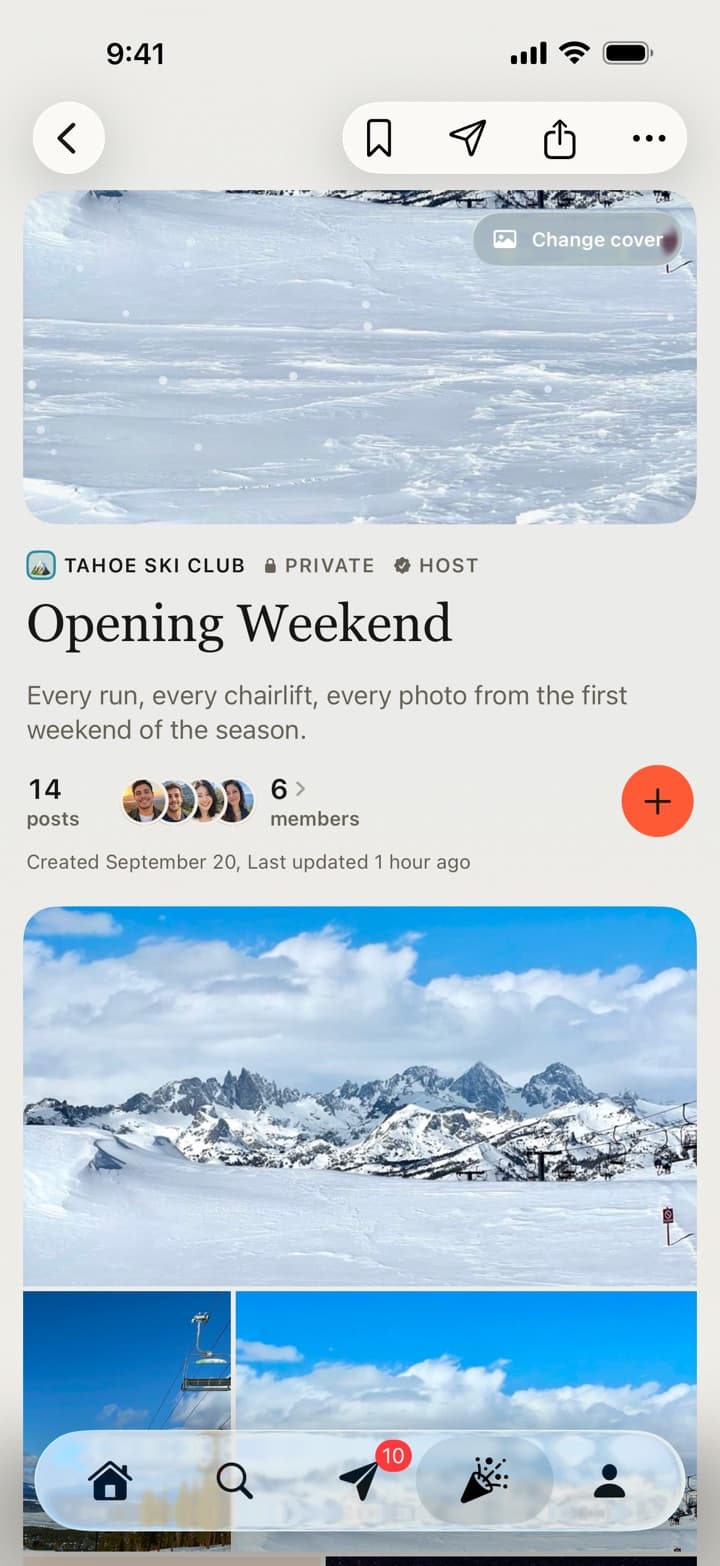
A board for every gathering, so the collection becomes a shared record instead of a single person’s highlight reel.
The moments within it
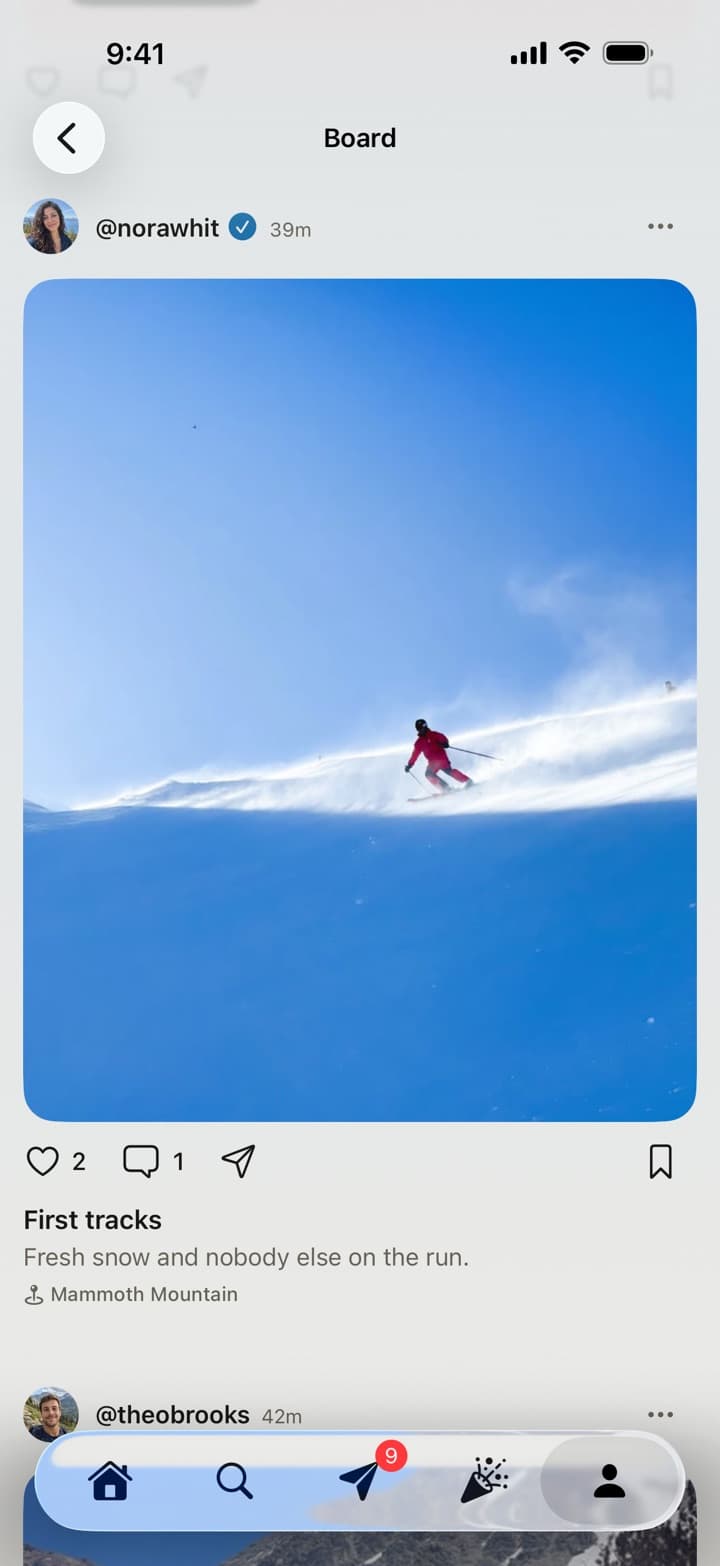
Each contribution keeps its creator, likes, comments, and place in the larger experience. Tap any photo or video to open it full screen and swipe through the whole collection.
Ways to use Passboards
Use a board for one moment or a club for the groups that keep making new ones. There is no required occasion and no right amount to post.
Trips
Collect the arrival, the detour, the dinner, and every angle your friends caught in one board.
Group trip albumsCelebrations
Give birthdays, weddings, reunions, and spontaneous nights a shared collection that guests can help complete.
Wedding photo sharingFamilies
Keep the moments different relatives capture together, with privacy choices for the people involved.
Teams
Use a club for the team and boards for games, trips, milestones, and end-of-season memories.
Clubs
Bring boards, posts, announcements, events, and group conversation into one recurring home.
Everyday
Not every board needs an occasion or a perfectly edited highlight. Post once or post a hundred times when the moments simply feel like your people.
Made for real groups
A board can preserve one trip or celebration. Clubs give teams, friend groups, families, and communities a lasting place for their next event, conversation, and collection.
Across your life
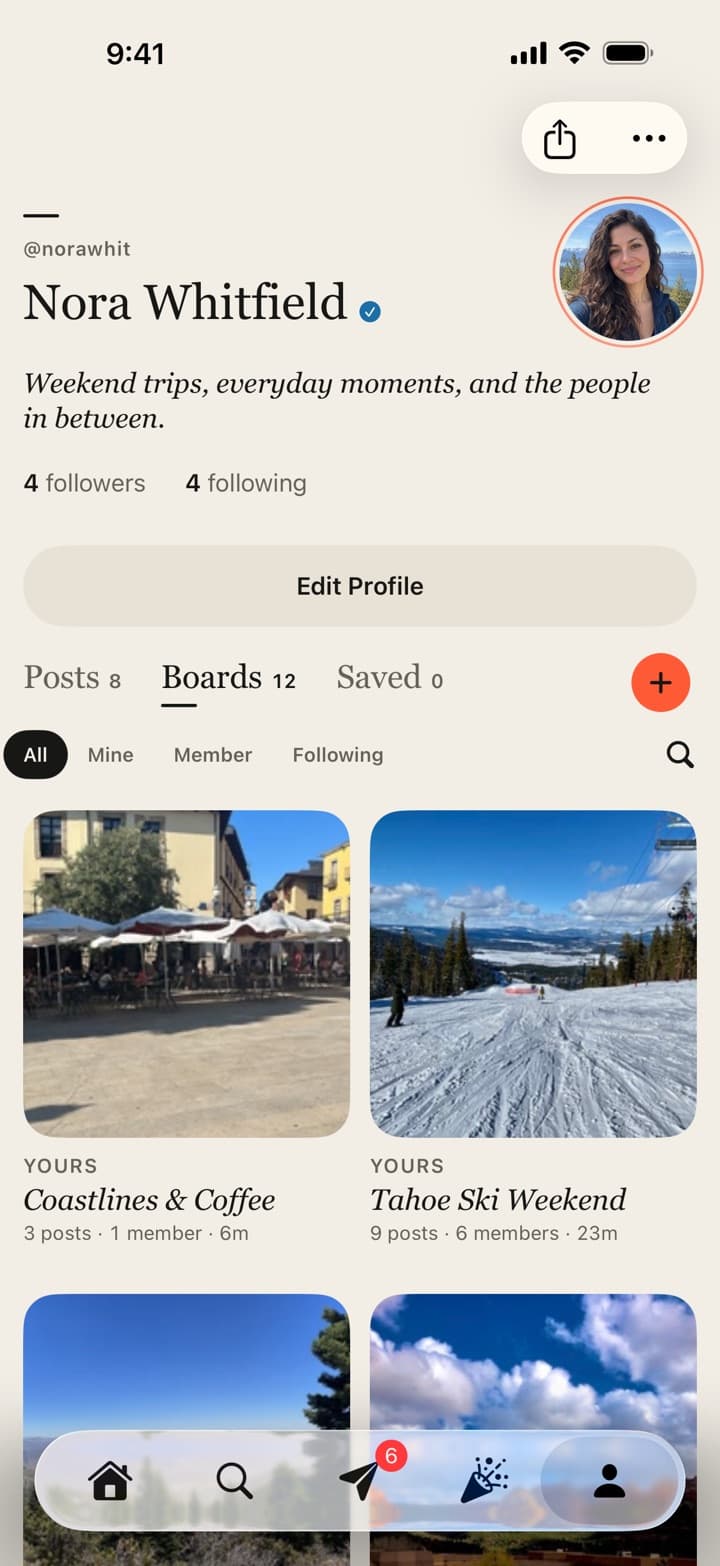
Keep the boards you own, join, and follow in one place, and search them from any profile. Follow a public board without following the person behind it.
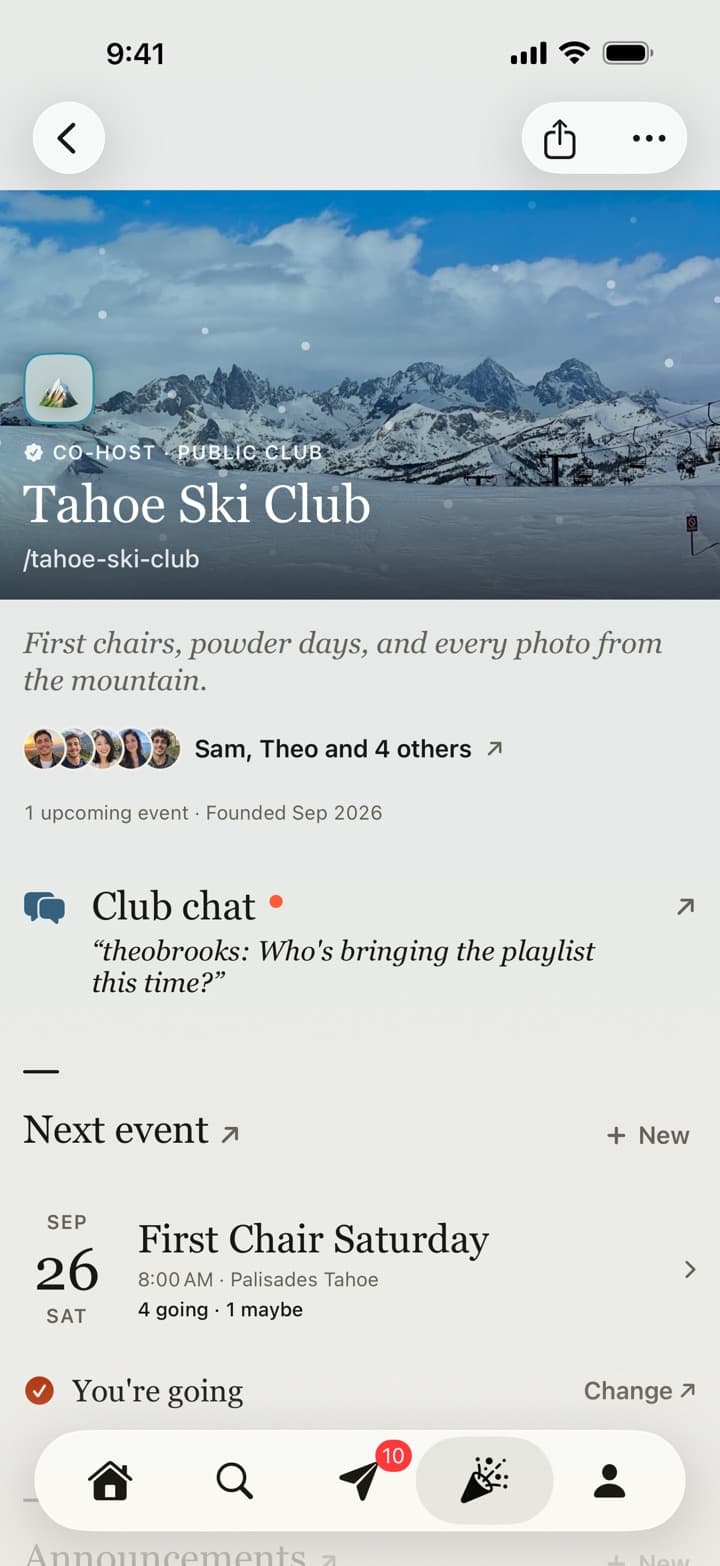
For recurring groups
Members, chat, events with RSVPs, announcements, and a board for every gathering live together. Clubs can be public or invite-only, with up to 100 members and a look of their own.
Every club has its own mark and a memorable address like passboards.com/c/tahoe-ski-club.
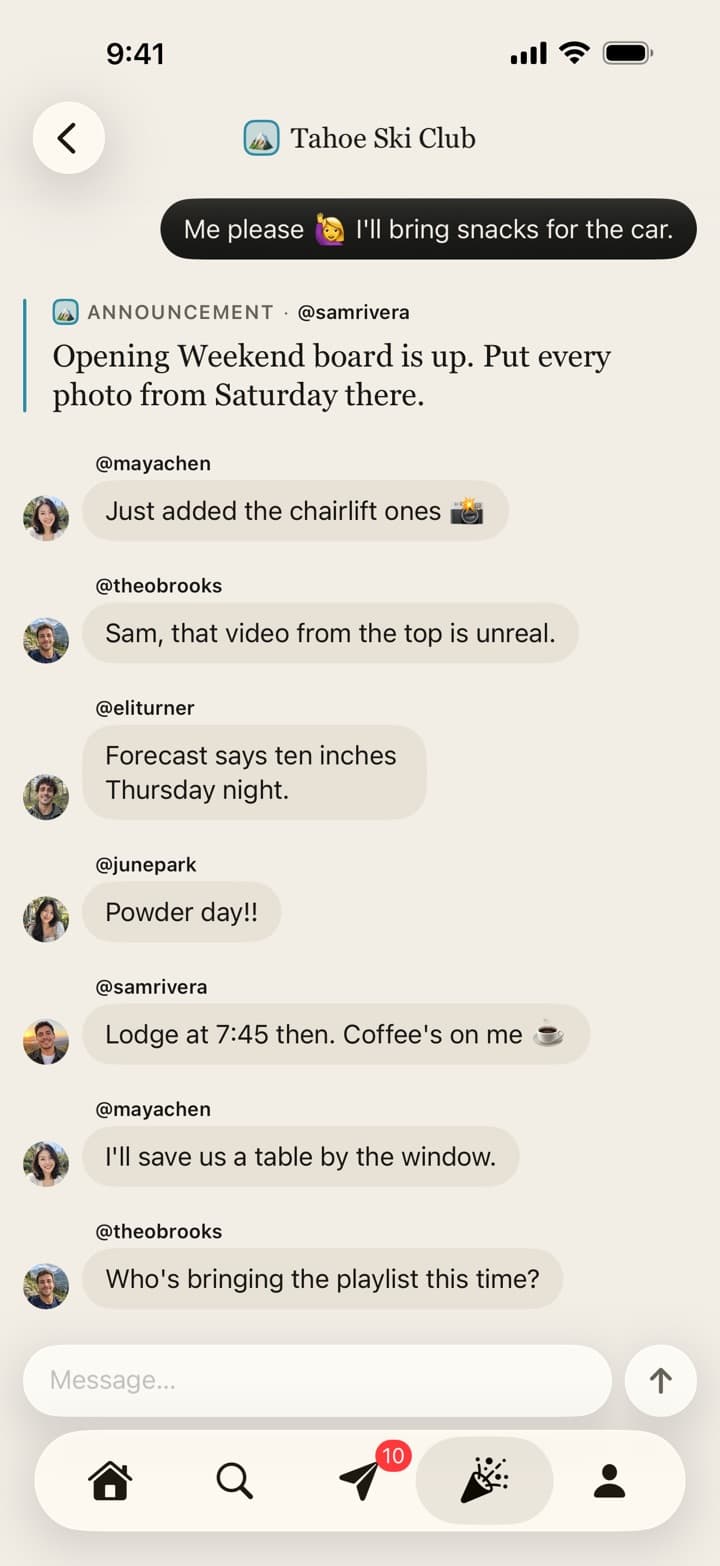
Always connected
Plans, announcements, event updates, and everyday conversation remain inside the club instead of disappearing into a separate chat thread.
The details
Passboards is designed around the photos and videos themselves: no boxes around posts, photo sets laid out as one spread, and activity on a board gathered into chapters.
Full screen
Tap any photo or video to open it full screen, swipe through the whole collection, and swipe down to land exactly where you were. Videos get their own scrubber, time, and sound.
Boards
Choose a favorite photo as the cover or keep the automatic collage. The board takes on the cover’s colors, and every photo keeps its own shape.
Home
Posts from the same moment arrive together as a collection of up to 20. Like a whole collection at once with Like all, and see likes and comments as quiet lines with names you can tap.
Explore
Browse a three-column grid, search people, boards, and public clubs, and follow a public board without following the person. Find friends from your contacts, which are hashed on your phone first.
Messages
One-to-one conversations and club chats with reactions and read receipts you can turn off. Send any post, board, or profile straight into a chat.
Widget
The Highlights widget brings recent memories back in sharp, full-bleed photos, with a quick way to start a new post.
More than photos
Some moments are a song or a few paragraphs, not a photo. Posts can carry the music you had on repeat and the words you want to keep, and reach the clubs you choose.
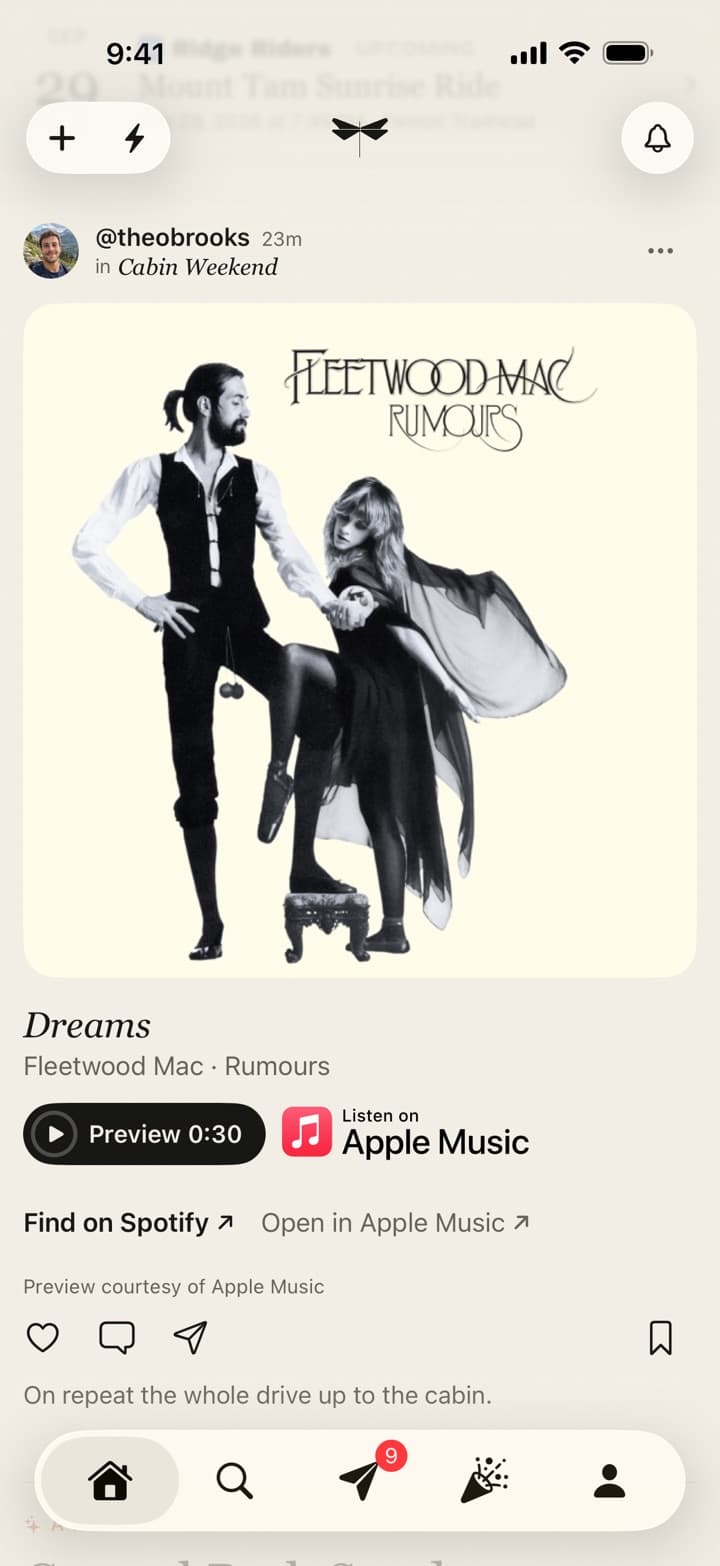
Music
Post a song, album, or playlist from Spotify or Apple Music. Friends can play a 30-second preview right in the feed and open it in their own app, and you can Share to Passboards straight from either app’s share sheet.
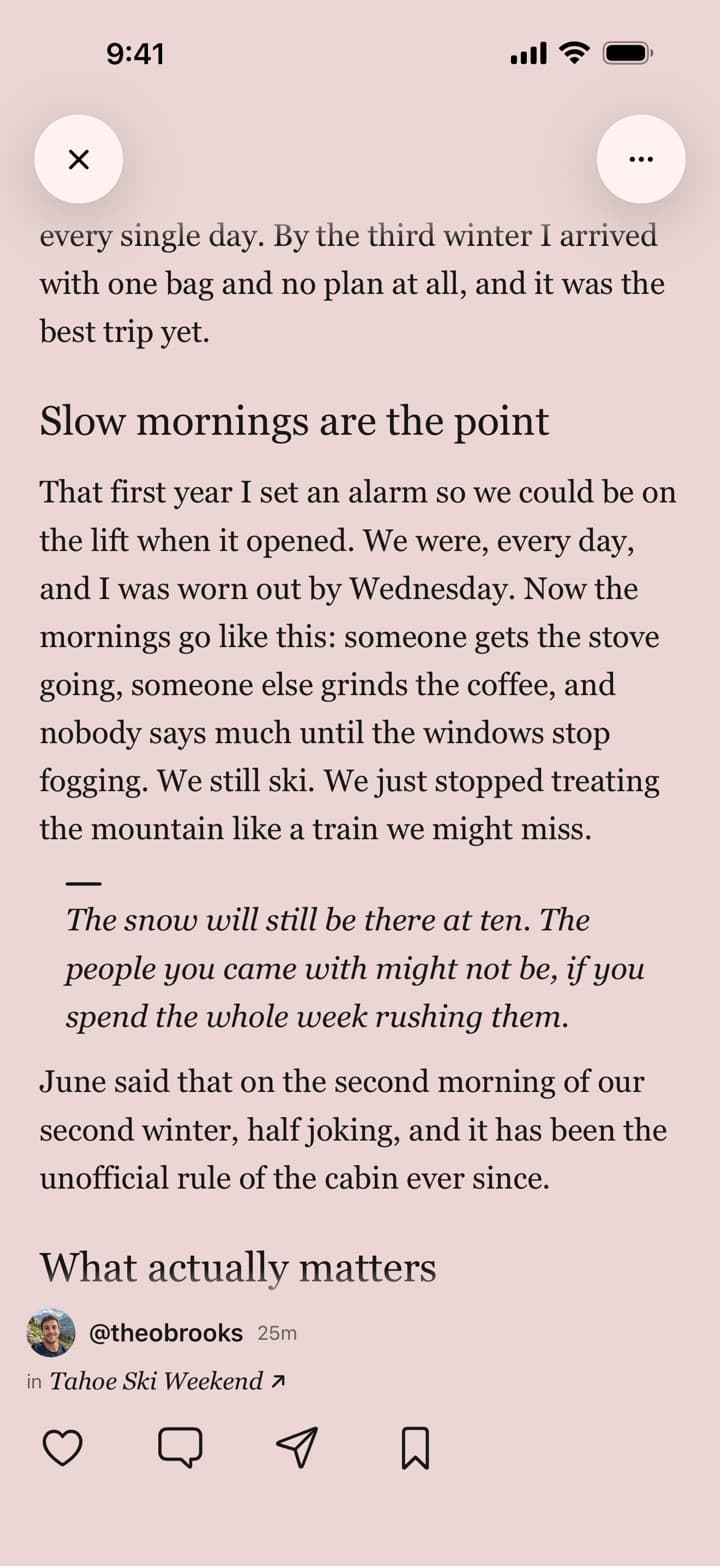
Write
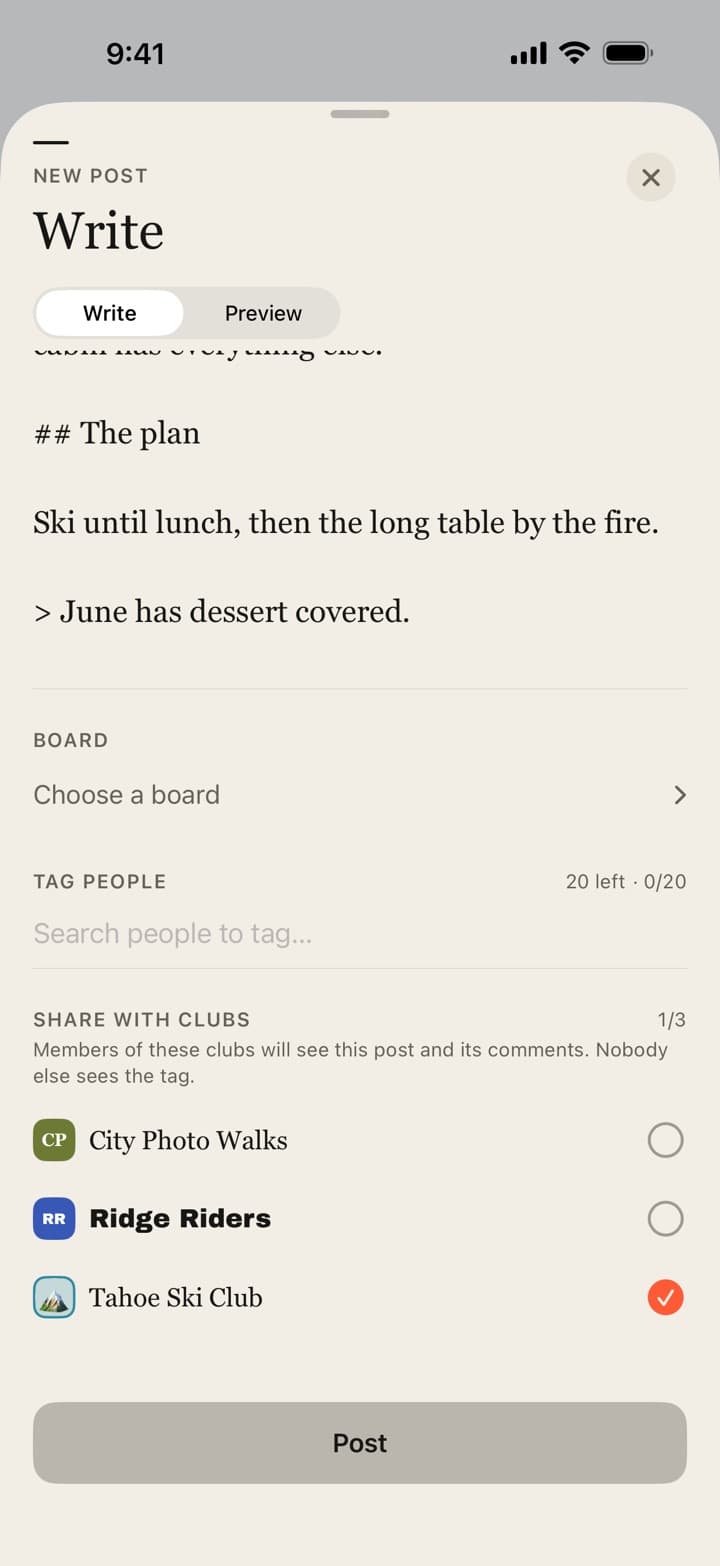
Post a quick note or a long-form essay with headings, quotes, and lists, up to about 3,500 words. Drafts save as you go, and longer pieces open in a full-screen reader.
Clubs
Share a post with up to three of your clubs. Members see it in their feed and in the club’s Tagged section, nobody outside the club sees the tag, and hosts can remove a post from their club.
Common questions
01
Passboards is a collaborative photo and video sharing app for iPhone. A group creates a board for a shared experience, then everyone can add what they captured so the complete story stays in one place.
02
Passboards combines shared photos and videos with posts, context, people, and conversation. Boards organize one experience, while clubs give recurring groups an ongoing home for boards, events, announcements, and chat.
03
Passboards is for friends, families, teams, clubs, and communities collecting trips, celebrations, games, reunions, projects, and everyday moments from more than one phone.
04
Yes. Every board is public or private, and private boards give each member an Admin or View role. Clubs can be public or invite-only, profiles can be private with follow requests, and you can block or report people and content. Location and device details are removed from the files before they upload, and nobody sees where a photo was taken unless you add a place.
05
As much as the experience calls for. A board holds up to 250 posts, each with up to 15 photos or videos. Passboards is built for the complete story, including the funny, quiet, imperfect, and in-between moments that would never make a carefully curated highlight reel.
06
Passboards is free on the App Store for iPhone running iOS 26 or later, with no ads today. Boards, clubs, messages, and every member are free. Once you have an account you can also view your feed, boards, clubs, and posts on the web at passboards.com/app.