 Passboards.
Guide · Weddings
A wedding photo sharing app for guests: how to choose
By Max Khan, founder of Passboards · Updated · Facts last checked
Your photographer will cover the portraits, the ceremony and the first dance. Your guests will catch everything else: getting ready, the speeches from the back of the room, your grandmother on the dance floor, the after-party. Most of those photos never reach you unless you plan for it.
There are three main ways to collect them. Each suits a different kind of guest list, and the best choice depends less on features than on who your guests are and what phones they carry. This guide walks through them honestly, including where our app, Passboards, is and isn’t the right fit.
The three ways to collect guests’ photos
1. A QR code upload page
Guests scan a code on the table, a web page opens and they upload from their camera roll. No app, often no account. Many services work this way, and the typical price is a one-off $39–$49 per event, with free or cheap tiers that cap photos or guests (Honcho, Guestlense).
Best for: large or mixed guest lists (all ages, iPhone and Android) where you want as many uploads as possible with the least friction.
Trade-offs: guests usually upload and leave; there’s little sense of an album they come back to. Check who can see uploads, how long the gallery stays up and how you download everything.
2. A shared album in Google Photos or Apple Photos
Free, familiar, and works on most phones. Google Photos shared albums work across iPhone and Android and on the web. Apple’s Shared Albums, from iOS 27, add full-resolution sharing and let people join and contribute on the web “even without an Apple Account or Apple device” (Apple).
Best for: couples who want something free and simple and whose guests already use one of these apps.
Trade-offs: it’s a photo pile, not a story of the day; captions and who-took-what are thin. Apple’s Shared Albums hold up to 5,000 items (Apple).
3. A private group app
Guests install an app, join the wedding’s private space and post there. More effort at the start, but it becomes a place people return to: comments, captions, the toasts written up, the songs.
Best for: smaller weddings, or the inner circle of a larger one (wedding party, family, close friends), who’ll actually take and share photos.
Trade-offs: some guests won’t install anything. That’s a real cost, and it’s why we don’t recommend an app-only approach for a 200-person wedding where you want every table covered.
How to decide: four questions
- What phones do your guests use? If a meaningful number are on Android or older iPhones, choose something web-based or cross-platform.
- How many guests will really take photos? Usually it’s fewer than you’d think: the wedding party, siblings, a few close friends. If that’s 15–40 people, an app is fine. If you want all 150 guests, go web.
- Do you want a pile or a keepsake? Upload pages collect files. A group app keeps who was there, what they said and the moments in order.
- Who can see it, and for how long? Look for private by default, a clear retention promise and a way to download everything with names and dates.
You can combine them: a QR upload page for the whole room, plus a private board for the wedding party and family to keep the weekend together.
Getting guests to actually share
Whatever you choose, participation is the hard part.
- Tell people before the day. A line in the wedding website or the week-before message: “We’d love your photos, here’s where they go.”
- Make it visible on the day. A small sign at the bar or on each table beats an announcement. Give the MC one sentence to say after dinner.
- Ask a few people directly. Two or three friends who always have their phone out, asked personally, will cover more than a general request.
- Follow up once. The morning after, one message to everyone with the link. Don’t nag beyond that.
- Unplugged ceremony? If you’ve asked for no phones during the vows, say that the album is for the rest of the day.
Privacy: things to check
- Who can view? Anyone with the link, or only invited people?
- Location data. Phone photos often contain GPS coordinates in the file. Guests’ photos of your home, or a family member’s house the morning of, can reveal an address. Prefer a tool that strips location from uploads.
- Children. If children are there, decide whether you want their photos shared, and tell guests.
- Download and deletion. Can you download everything in one go? Can you delete the album when you’re done?
Where Passboards fits
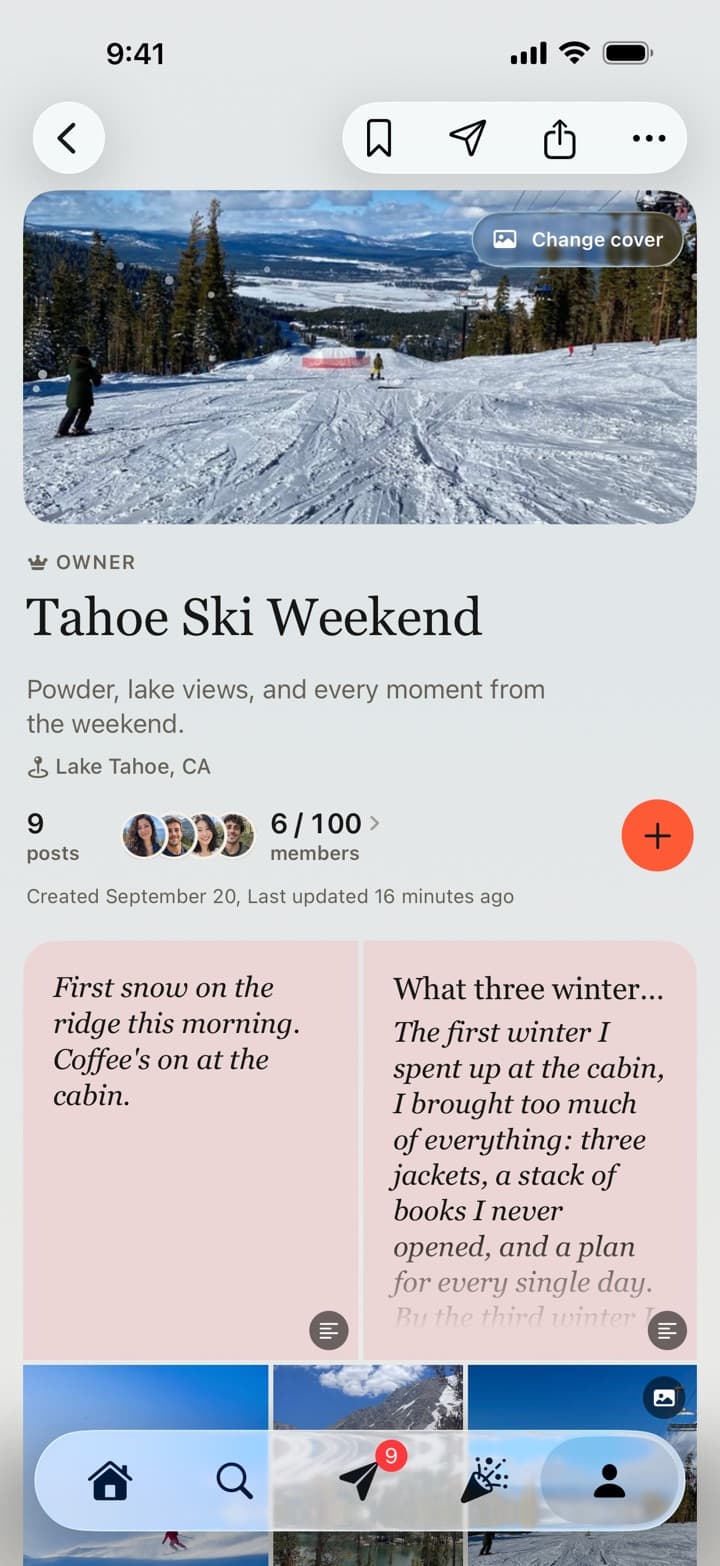
Passboards is a private group app for iPhone. It’s a good fit for the inner circle: the wedding party, family and close friends who want the whole weekend kept together, from the rehearsal dinner to the brunch after. It’s not the right tool if you want every guest at a large, mixed-phone wedding to upload; a web QR page will reach more people. See how weddings work in Passboards for the tour.
What it does:
- One private board for the day. Only its members can see it. Choose Wedding (“Every guest’s photos of the day, in one place”) and it comes named, dated and with an invite message.
- Invite with a link or a printable QR code. Set an expiry or a limit, turn the link off any time, and have guests join as Contributors, who can add photos without managing the board. People who tap the link before they have the app sign up and land on the board.
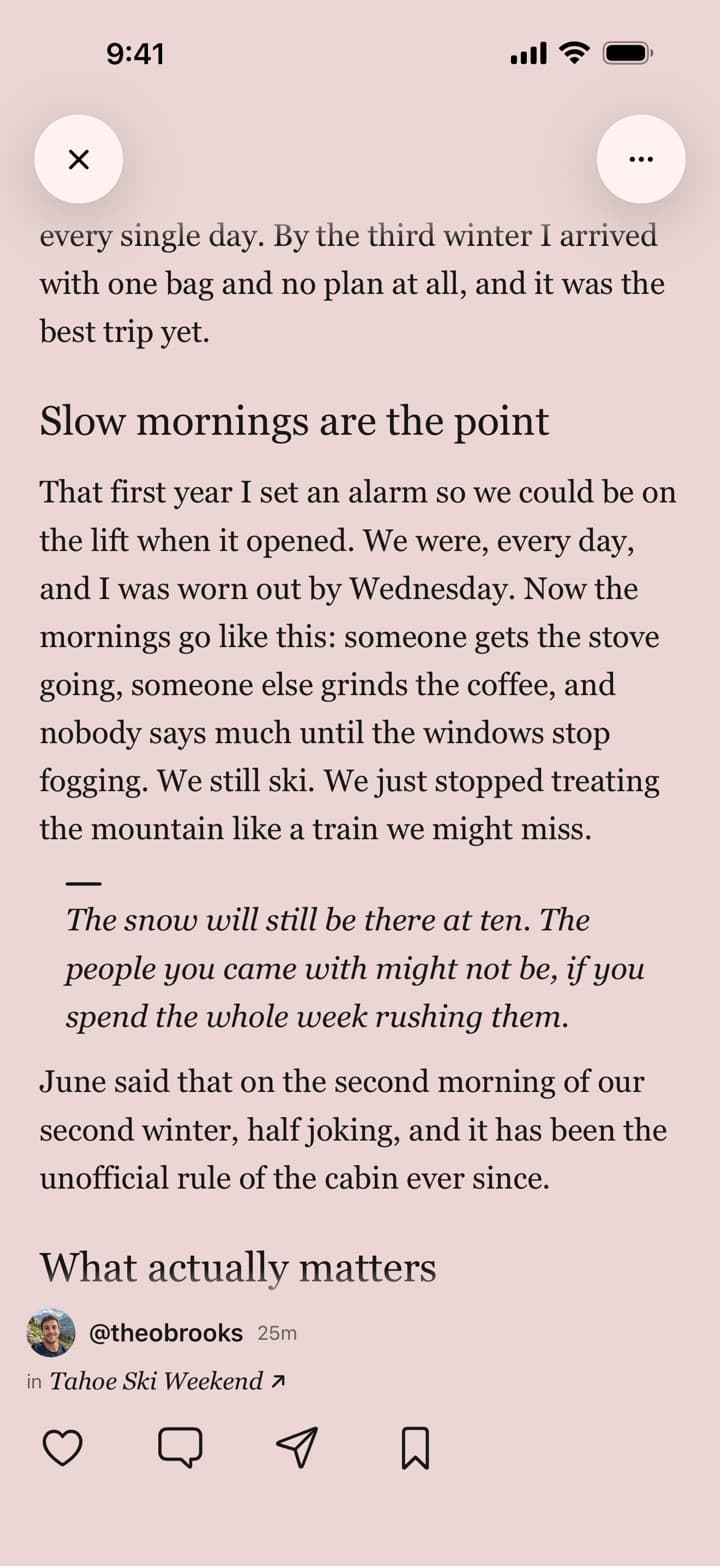
- More than photos. Guests can post videos, write up a toast as a note or essay, or share the first-dance song from Apple Music or Spotify.
- Location and device details are removed from photo files before they upload.
- Keep everything. Save the whole board to Photos or export it with every caption, date and name, free. Make a short recap video of the day with an original soundtrack.
- Free, with no ads today.
The honest limits:
- Guests need an account (18+), made in the iPhone app on iOS 26 or later. There’s no Android app and no web upload for people without an account. Once someone has an account they can open the board and add photos at passboards.com/app. Videos are added from the iPhone app.
- A board holds up to 100 members and 250 posts, each with up to 15 photos or videos. A busy 100-guest board can reach 250 posts, so ask people to group photos into posts (“the ceremony”, “dinner”) rather than posting one at a time.
- It isn’t a full-resolution archive. Photos are kept sharp at full-screen size and video at 720p. Keep your photographer’s files and your own originals where you store them today.
Still comparing tools? Read Shared album apps compared. More on how we handle your photos in our privacy policy and trust and safety pages, and the Help Center walks through every step.
Free for iPhone on iOS 26 or later. No ads today.
Common questions
What people ask.
What’s the easiest way to collect photos from wedding guests?
For a large guest list on mixed phones, a web upload page with a QR code needs the least effort from guests. For a smaller group that wants to keep the day together, a private group app works well.
Do guests need to download an app?
It depends on the tool. QR upload pages usually don’t need one. Passboards does: guests need an iPhone on iOS 26 or later, the app and an account.
Is there a free wedding photo sharing app?
Google Photos and Apple Shared Albums are free. Passboards is free with no ads today. Many dedicated QR services charge a one-off fee per event.
How many guests can join a Passboards wedding board?
Up to 100 members, and a board holds up to 250 posts with up to 15 photos or videos each.
Who can see our wedding photos?
On a private Passboards board, only its members. With any tool, check whether “anyone with the link” can view.
Will guests’ photos show our home address?
Many photos carry GPS location in the file. Passboards removes location and device details before upload.
Can we download all the photos afterwards?
Yes. You can save the whole board to Photos, or export it with every caption, date and name, free.
Does it replace our photographer?
No. Guests capture the moments a photographer can’t be at. Keep the professional gallery as your full-resolution record.